A trouble with Notion embeds? Oh dear...
Published:


This morning, as I was going about my business as usual, I opened my Notion desktop app to start my day, and what did I see?
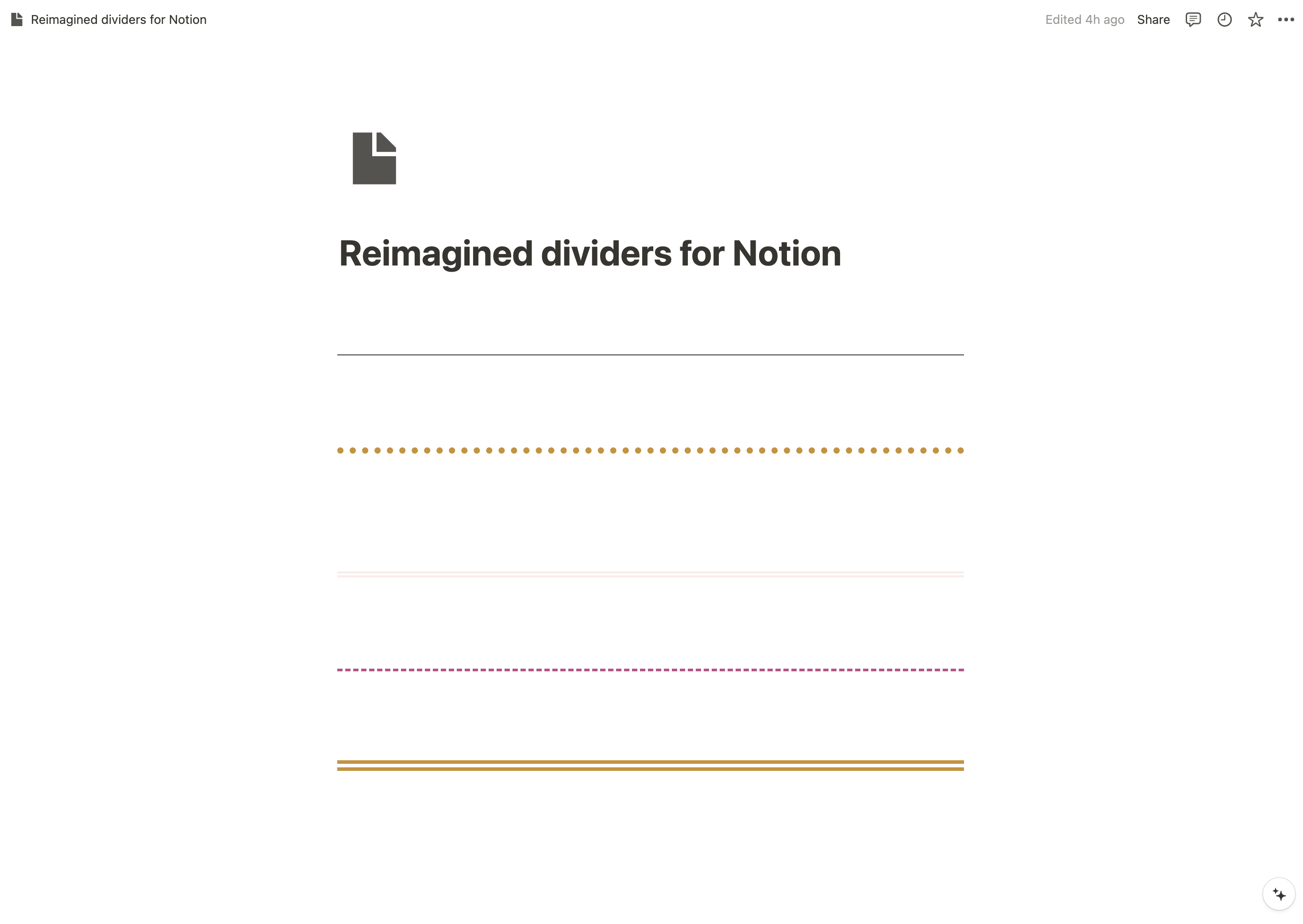
The Notion divider widget I so carefully crafted from scratch stopped showing up in my Notion setup!
Instead of seeing this on my Reimagined Dividers for Notion page:
I was seeing this…
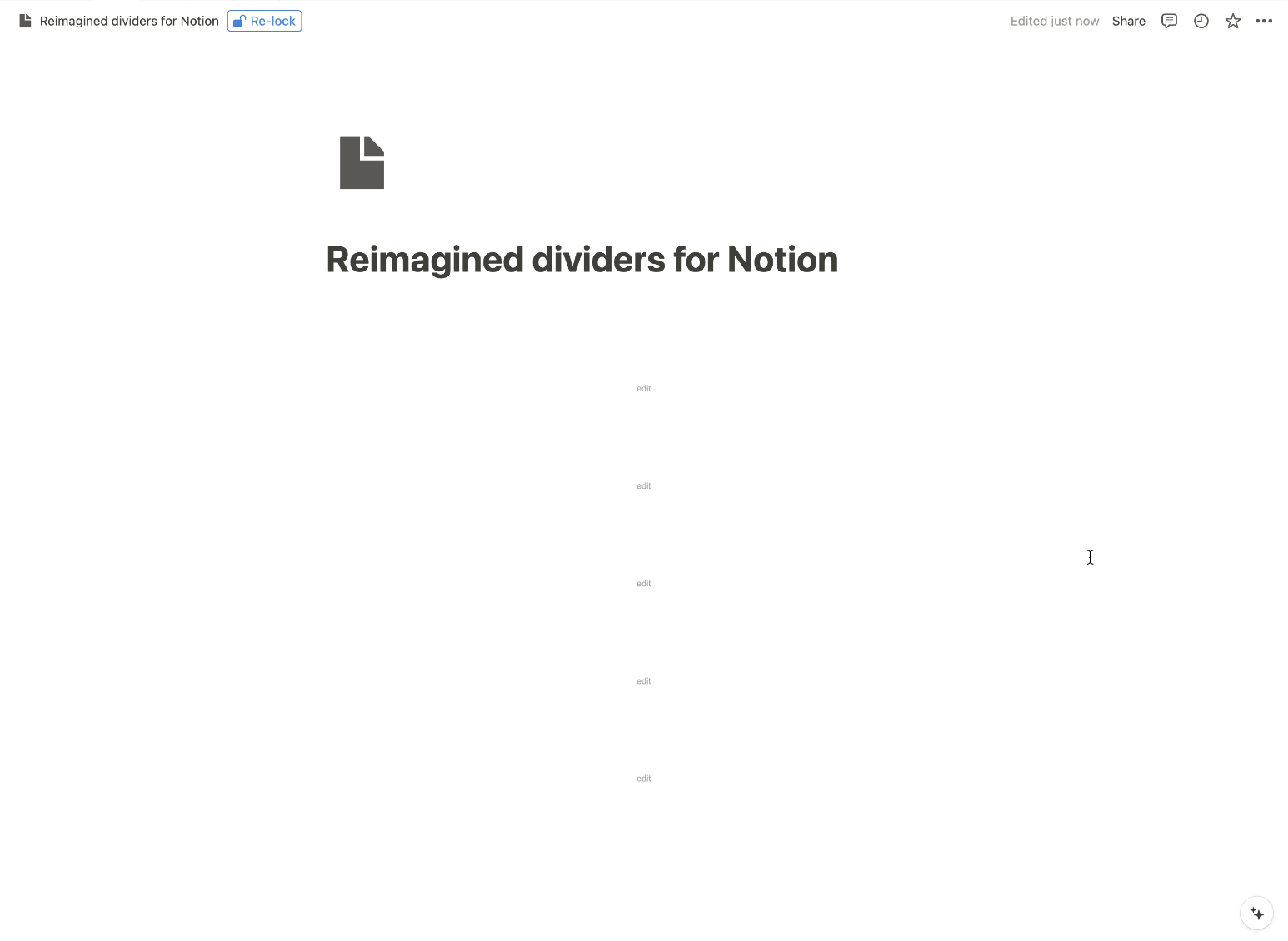
This affected not only my Reimagined Dividers widget but also my Centred Titles widget.
None of the custom embeds I built were loading in my desktop Notion app.
And the strangest thing about it was that all instances of both widgets were showing fine on my Android Notion app and in the browser version of Notion, too.
What on earth happened?
It is important to know that Notion uses multiple techniques to improve performance for users on all of its apps. They write about the whole process here.
My theory is that when someone embeds an HTML page in their Notion setup, Notion will save and cache the embedded block (Notion element) and possibly try to cache anything behind it (the source files of the embedded page).
When I released the latest code updates to my site (where I host both widgets), the Notion desktop app lost access to the previously cached files because the file versions changed. This only affected the desktop app since I use it daily, while the cache on the mobile and web versions was likely reset when I accessed the affected pages there.
And the strangest thing was that even after deleting and re-adding the embedded blocks, they still didn't work. Hard-refreshing the pages (CMD+R on Mac or CTRL+R on Windows) also did nothing.
This is some super-caching if you ask me!
The most frustrating part was realising that this Notion behaviour affected not only me but, most likely, all other people who use these widgets, too.
After searching online how to fix this issue, I eventually found this Notion troubleshooting page. And the only thing that worked was the advice to completely reset the Notion app on my laptop:
Select Help in your menu bar → Troubleshooting → Reset & Erase All Local Data.
Running through this process deleted all locally stored data and logged me out of all my accounts, but once I logged back in, the embeds showed up just fine. Thank goodness, because the next step would have been to reinstall Notion. And who wants to do that for some embeds?
Now, even after extensive testing of the widgets (making code changes to see if the embedded widgets display breaks again in Notion), everything seems to be working just fine. How strange.
So, what's the main takeaway?
I think this incident highlights an important lesson: always keep a backup plan ready. Whether it's bookmarking a troubleshooting page or knowing who to contact when things go wrong, having a quick fix at your fingertips can save the day.
Most importantly, this experience reminds us that digital tools are constantly evolving. They can be unpredictable, but with patience and some detective work, no tech problem is too difficult to solve.
Stay curious, stay prepared, and keep exploring the limitless possibilities of Notion!